Sell Your Home Faster
Without the Photographer Cost
Transform your phone photos into professional listing images. Save $375+ on photographer fees and get your home listed in minutes, not days.
See the Difference
Drag the slider to compare before and after
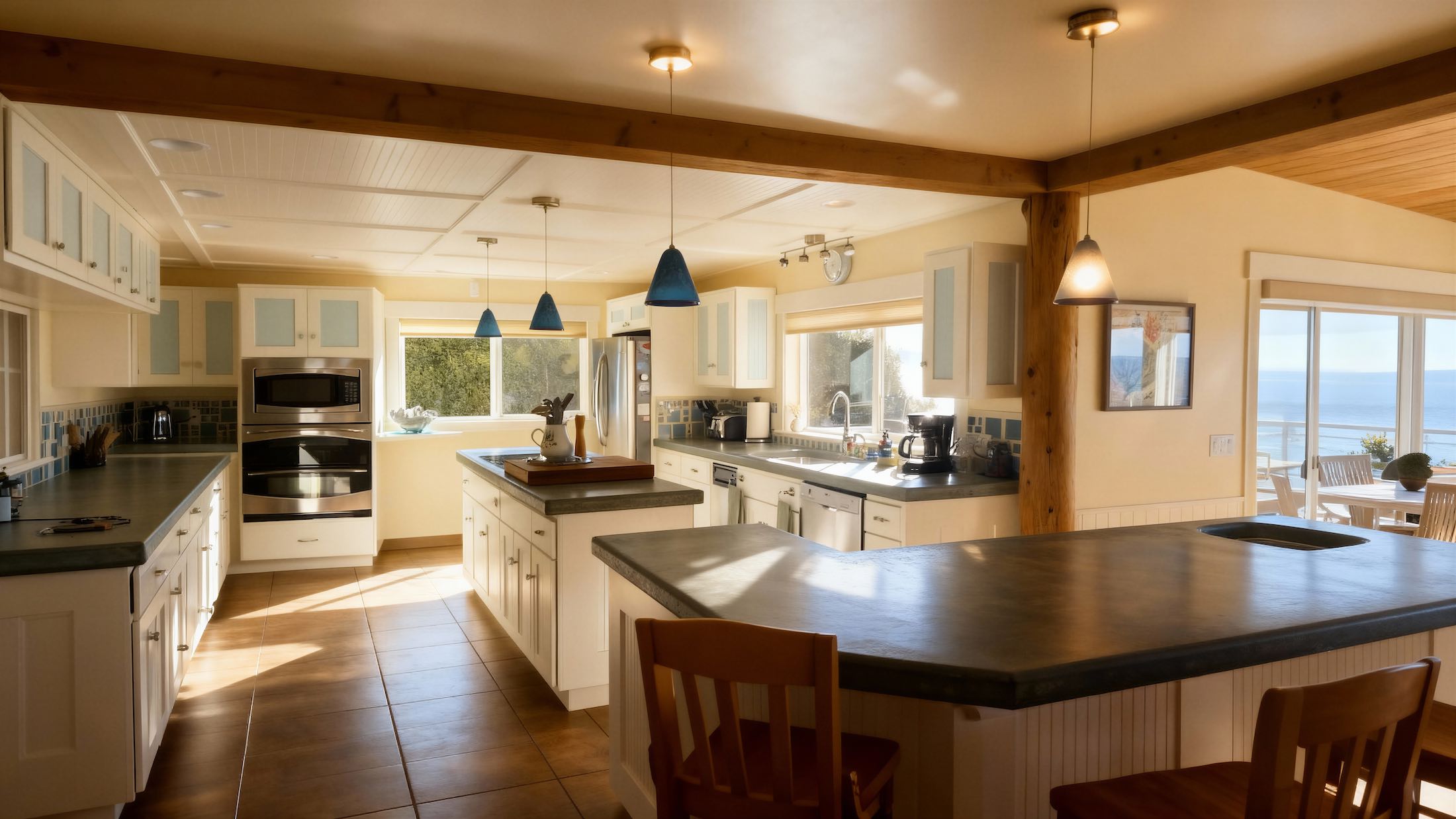
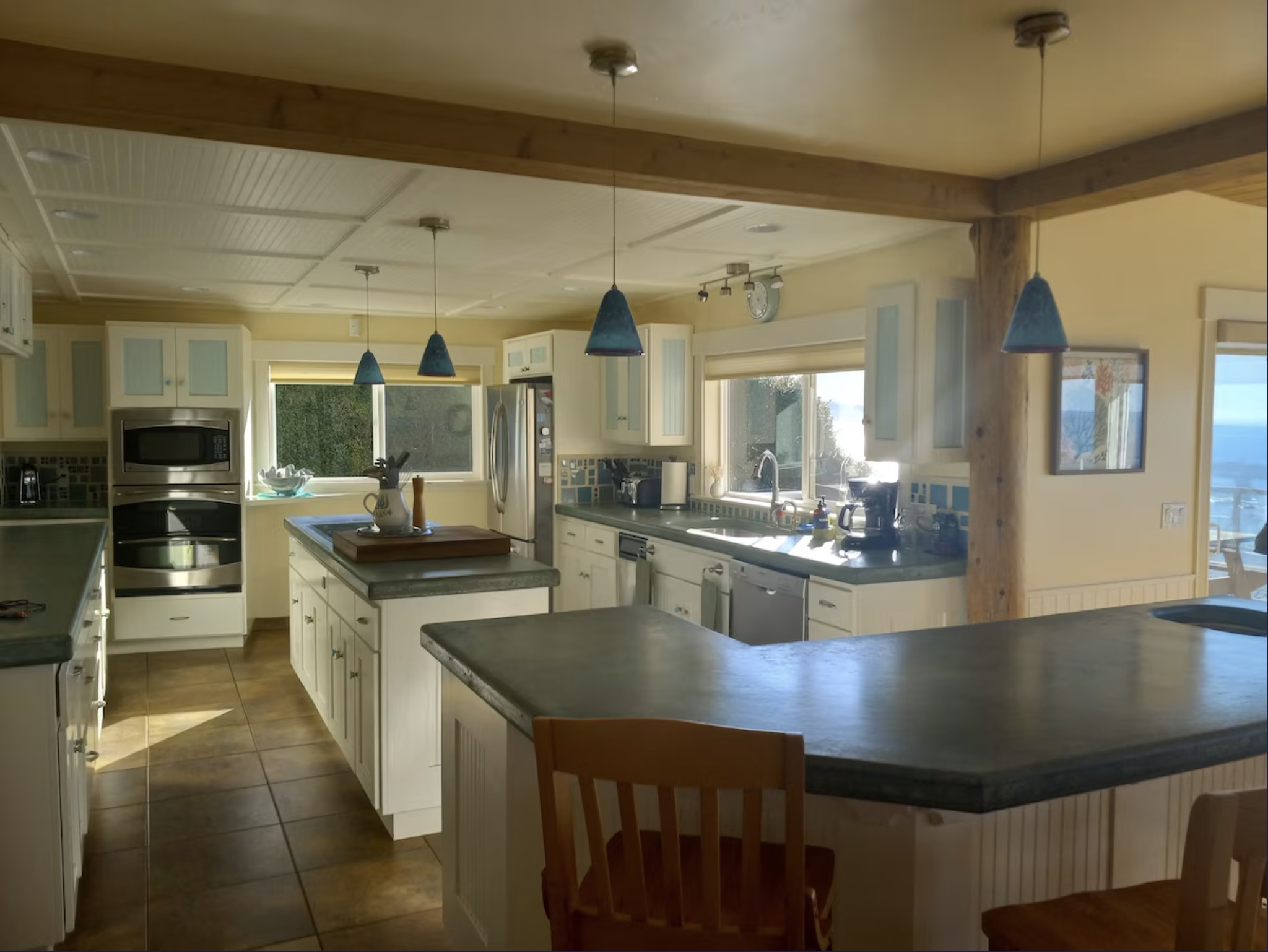
Sharpen and enhance photos to look professional
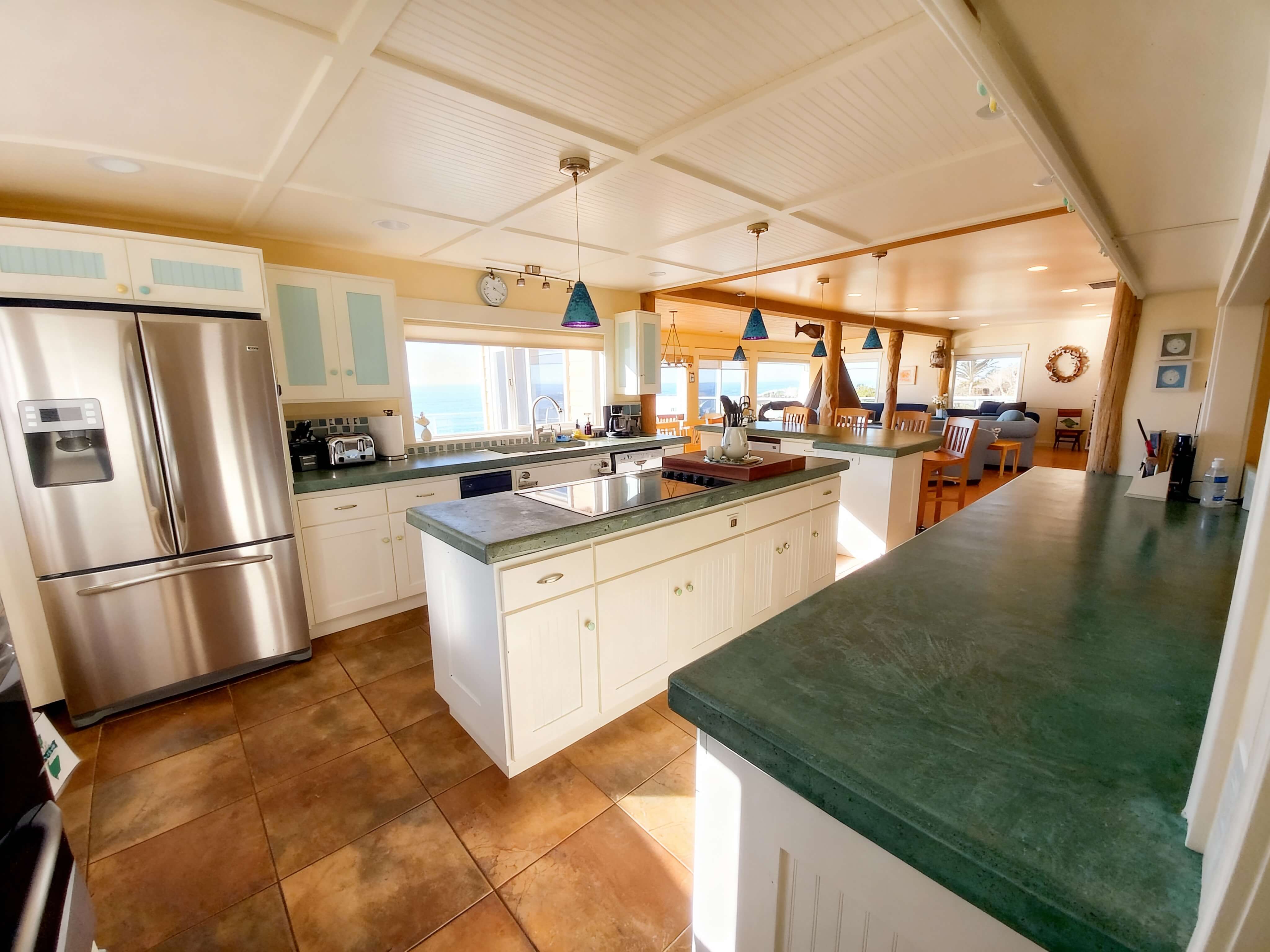
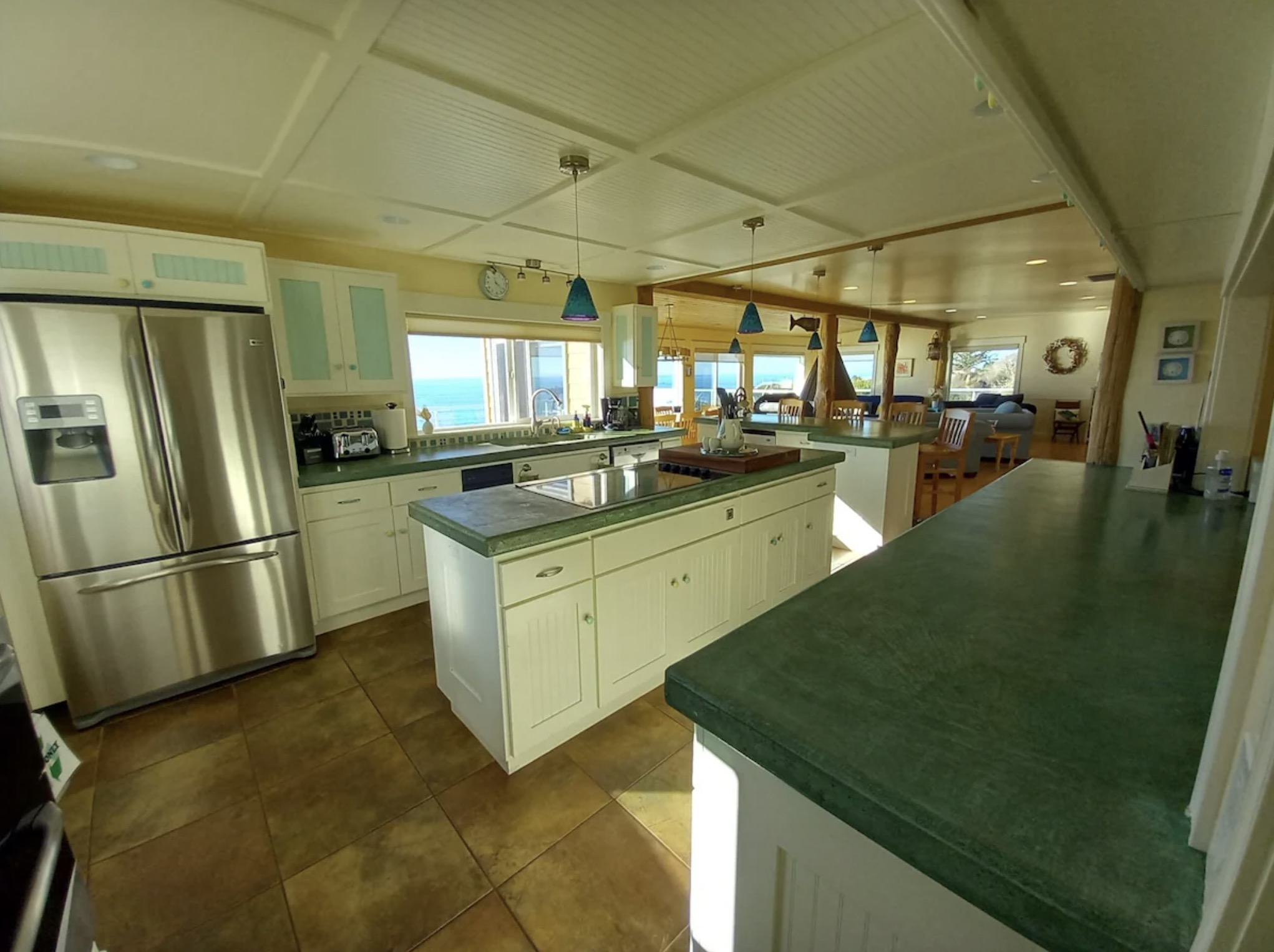
Automatically correct and enhance colors
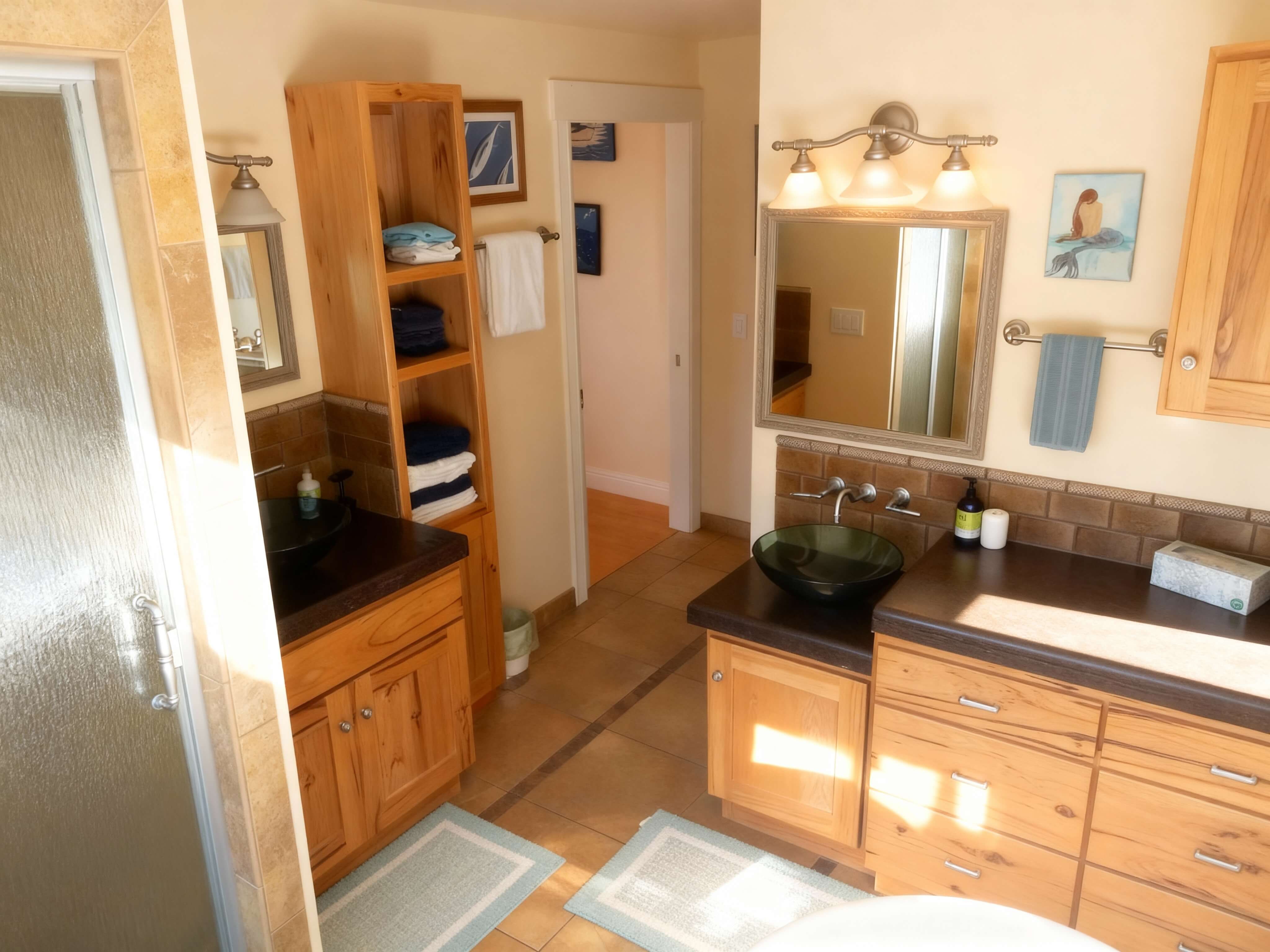
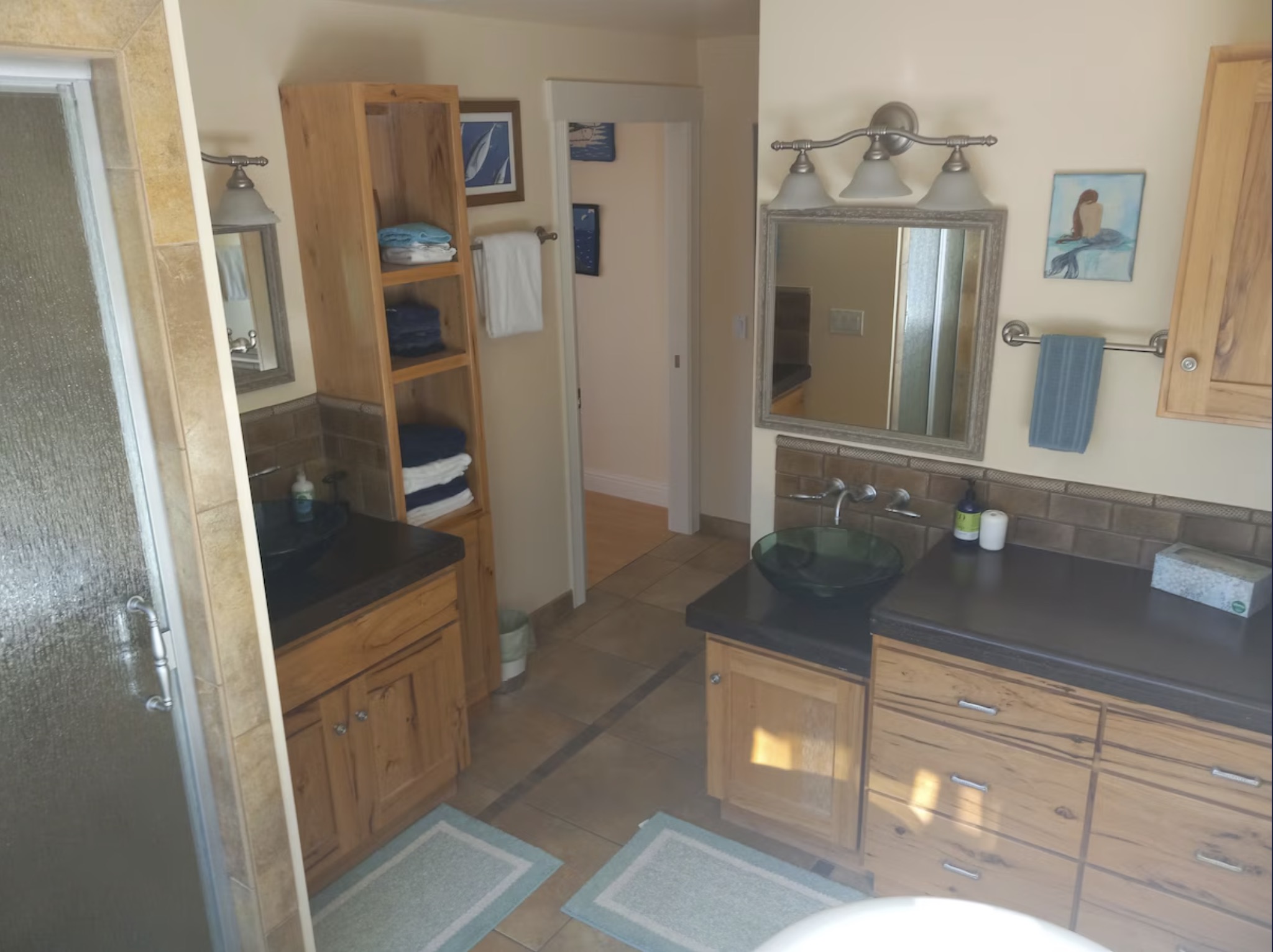
Fix poor lighting and blurring in key rooms
Why Professional Photos Matter
Homes with professional photos sell faster and for more money
The Smart FSBO Seller's Secret
Professional listing photos without the professional price tag
Save $375+ on Photography
Skip the $400-550 professional photographer. Get the same quality for under $10 using your smartphone photos.
No Skills Required
Take photos with your phone, upload them, and download professionally enhanced images. It's that simple.
Ready in 10 Minutes
No waiting 3-7 days for a photographer. Process all your listing photos in under 10 minutes.
Complete Control
Shoot when you want, retake as needed. No scheduling appointments or coordinating with photographers.
What You'll Save
Compare your options when listing your home
Professional Photographer
- •3-7 days turnaround
- •Schedule around their availability
- •One shoot only
- •Extra for reshoots
RelightPro
- ✓Ready in 10 minutes
- ✓Shoot whenever you want
- ✓Unlimited retakes included
- ✓Credits never expire
Phone Photos Only
- •Dark, unflattering images
- •Rooms look smaller
- •Buyers skip your listing
- •Looks unprofessional
Simple as 1-2-3
Take Photos with Your Phone
Walk through your home room by room. Shoot 25-30 photos with all lights on and curtains open. No special equipment needed.
Upload to RelightPro
Drag and drop your photos. Our AI automatically fixes lighting, enhances colors, and upscales resolution.
Download & List Your Home
Get professional-quality photos ready for Zillow, Realtor.com, FSBO sites, and social media.
Tips for Great Listing Photos
RelightPro fixes lighting, but start with these basics
✓Do This
- ✓Turn on ALL lights in every room
- ✓Open curtains and blinds for natural light
- ✓Declutter counters and surfaces
- ✓Shoot from corner angles to show full room
- ✓Include exterior curb appeal shots
✕Avoid This
- ✕Leave personal items visible
- ✕Shoot in dim lighting
- ✕Include people or pets
- ✕Use flash (natural + indoor light is better)
- ✕Forget bedrooms and bathrooms
FSBO Sellers Love RelightPro
"I was skeptical, but WOW. My photos look like a professional took them. House sold in 2 weeks!"
"Saved me $400 on a photographer and my listing got 3x more views than my neighbor's."
"So easy! Took photos on my iPhone, uploaded them, and had professional images 10 minutes later."
Ready to List Your Home?
Get professional photos without the professional price. Perfect for FSBO sellers.
Frequently Asked Questions
I'm not tech-savvy. Is this hard to use?
Not at all! If you can upload photos to Facebook, you can use RelightPro. Just drag and drop your photos and we do the rest.
How many photos should I take for my listing?
We recommend 25-30 photos minimum: All main rooms (2-3 angles each), bathrooms, exterior front/back, and any special features (pool, patio, etc.).
Can I use these on all listing sites?
Yes! Your enhanced photos can be used anywhere: Zillow, Realtor.com, FSBO sites, Facebook Marketplace, Instagram, and more.
What if I want to update photos after listing?
Credits never expire! Use your remaining credits to update photos of specific rooms, add seasonal shots, or refresh your listing anytime.